AI generation
AI fills in Title, Description, and a reference Price for a lot, using the photos plus whatever context you've already typed in. Two ways to trigger it: manual Run Now on a lot, or the scheduled cron from Settings → AI Schedule.
Phase 6 status: in progress on
phase-6-ai-subsystem. Behavior here reflects what's currently shipped on that branch.
What AI fills (and what it doesn't)
It writes:
- Title
- Description
- Price (a reference suggestion you can override)
It leaves alone:
- Quantity, Untested, Special Notes, Ref1, Ref2 — those are operator-controlled and never overwritten.
- Photos — AI reads them, but never deletes or rearranges.
If you've already filled Title, Description, or Price by hand, AI won't overwrite your value.
Manual: Run Now
Open the lot detail. The Run Now button sits near the AI status area.
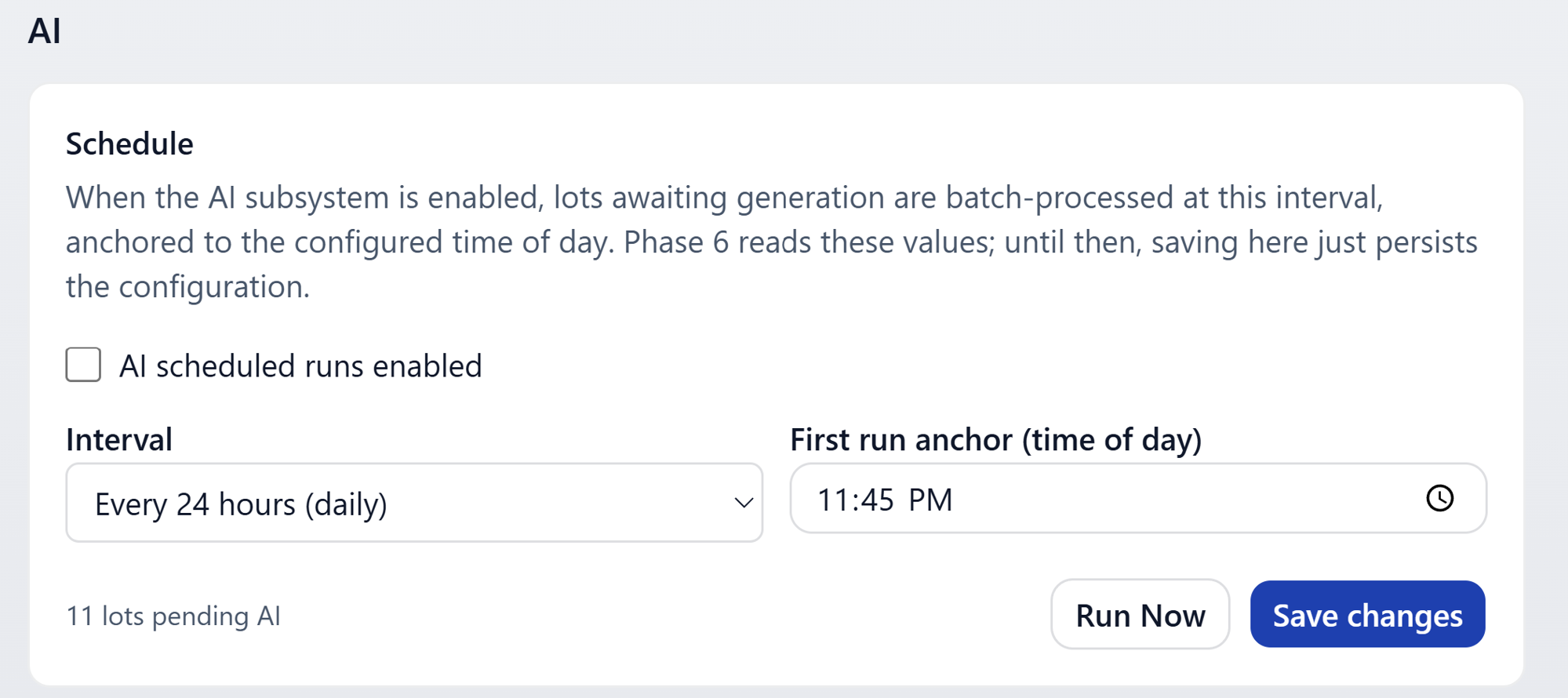
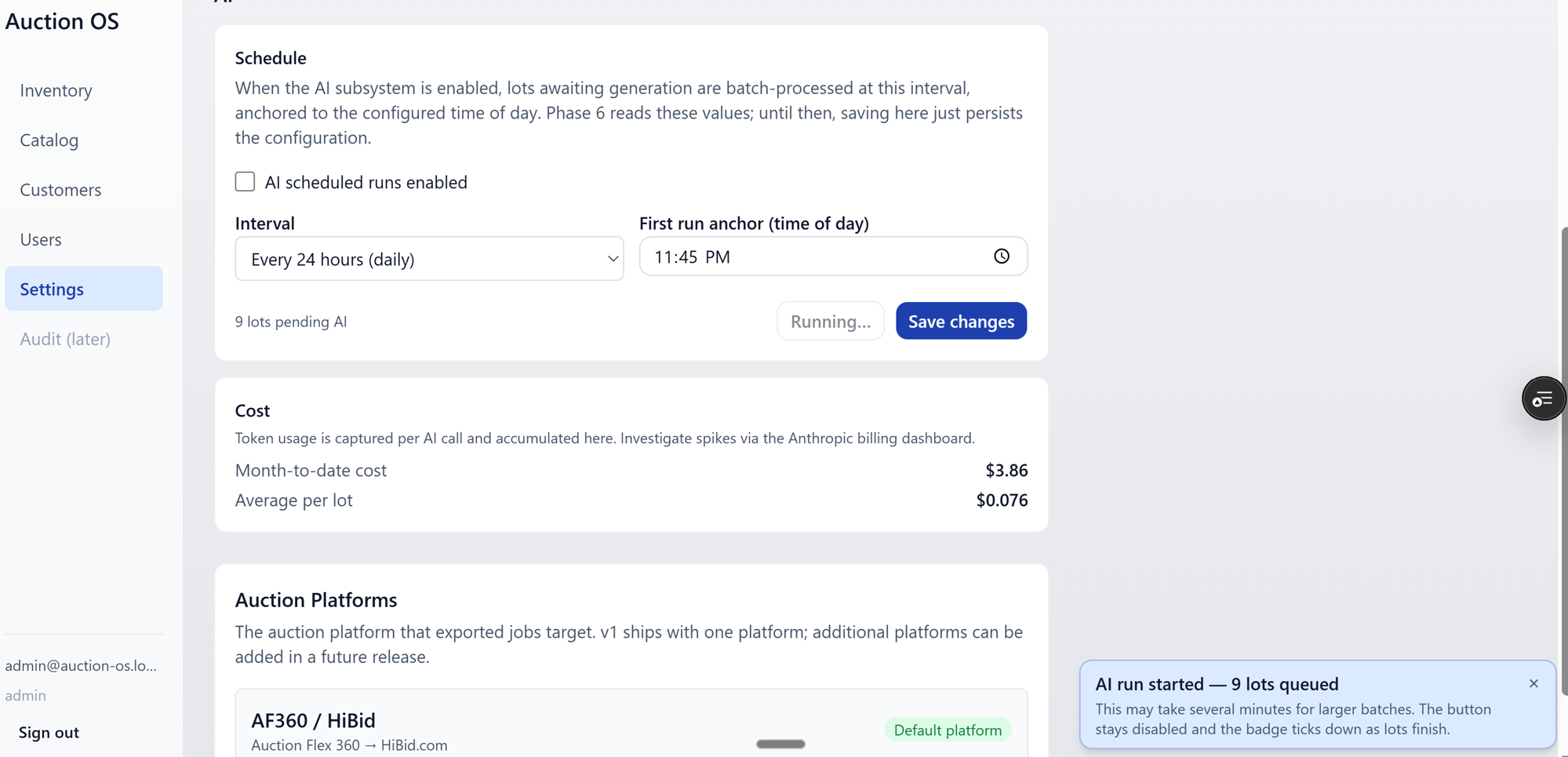
Clicking it kicks off a generation immediately. The button disables while the run is in flight so you can't double-fire it.
Status badges
The lot detail surfaces a badge that reflects the latest run.
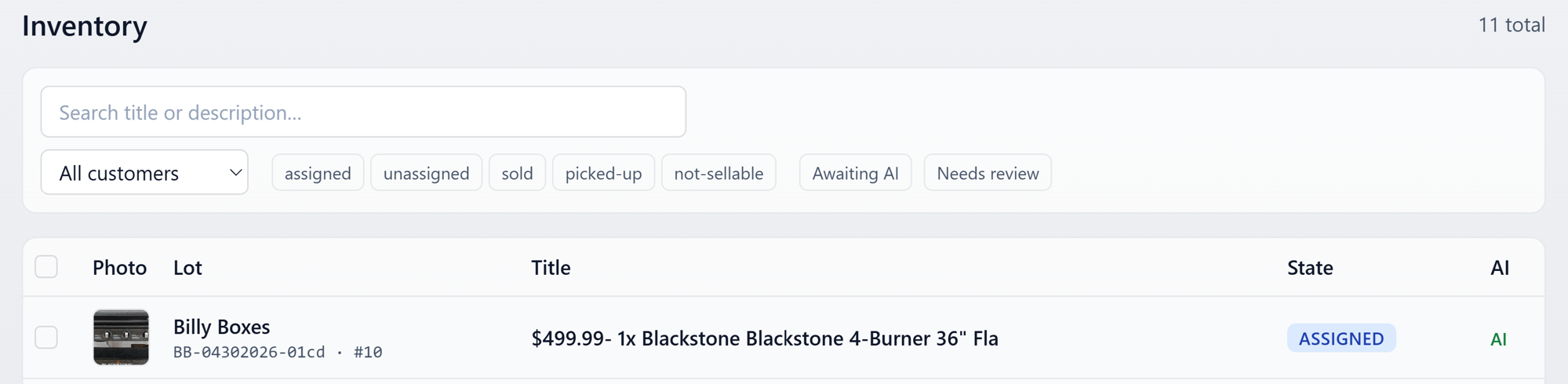
The states:
- Running — call in flight; updates roughly every 5 seconds.
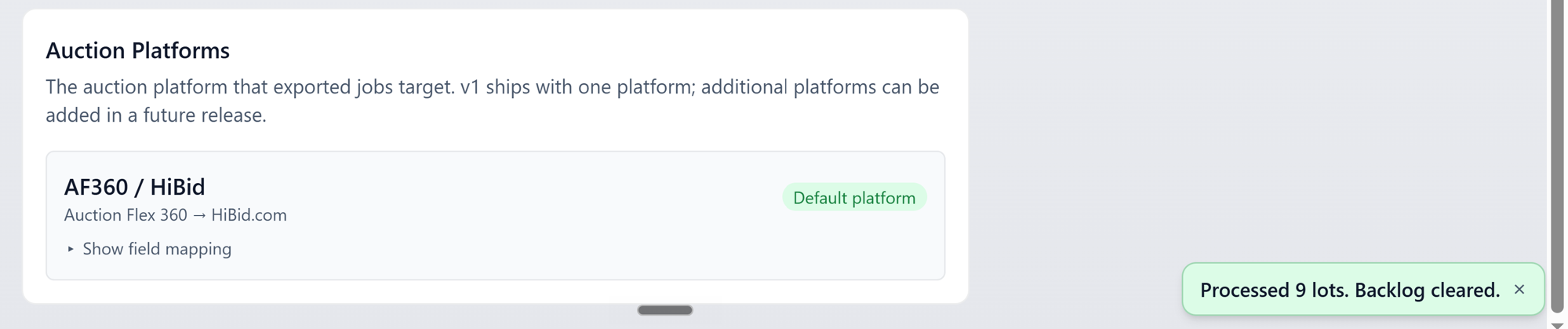
- Success — Title, Description, and Price all generated.
- Partial — some fields filled, others skipped or rejected (often because they were already set, or the model couldn't get a confident answer).

- Failure — the call errored. Hover or tap the badge for the message; common causes are network blips and quota limits.
Live updates
The lot detail polls in the background while a run is in progress, so the badge flips from Running to its final state without you having to refresh.
Editing AI output
Anything AI wrote, you can change. Just edit the field and save — your edit takes precedence. A subsequent AI run won't clobber an edited field.
Scheduled runs
The cron picks up any lot that's awaiting AI (Title or Description or Price still empty) and runs it on a fixed cadence. Configure the cadence in Settings.
Manual runs from Run Now don't conflict with the schedule — they share the same processing path.