Lot detail
The modal that opens when you click a lot — from inventory, from a customer's job page, or anywhere else a lot is linked. Edit fields, manage photos, change state, move to a different job, run AI, or delete.
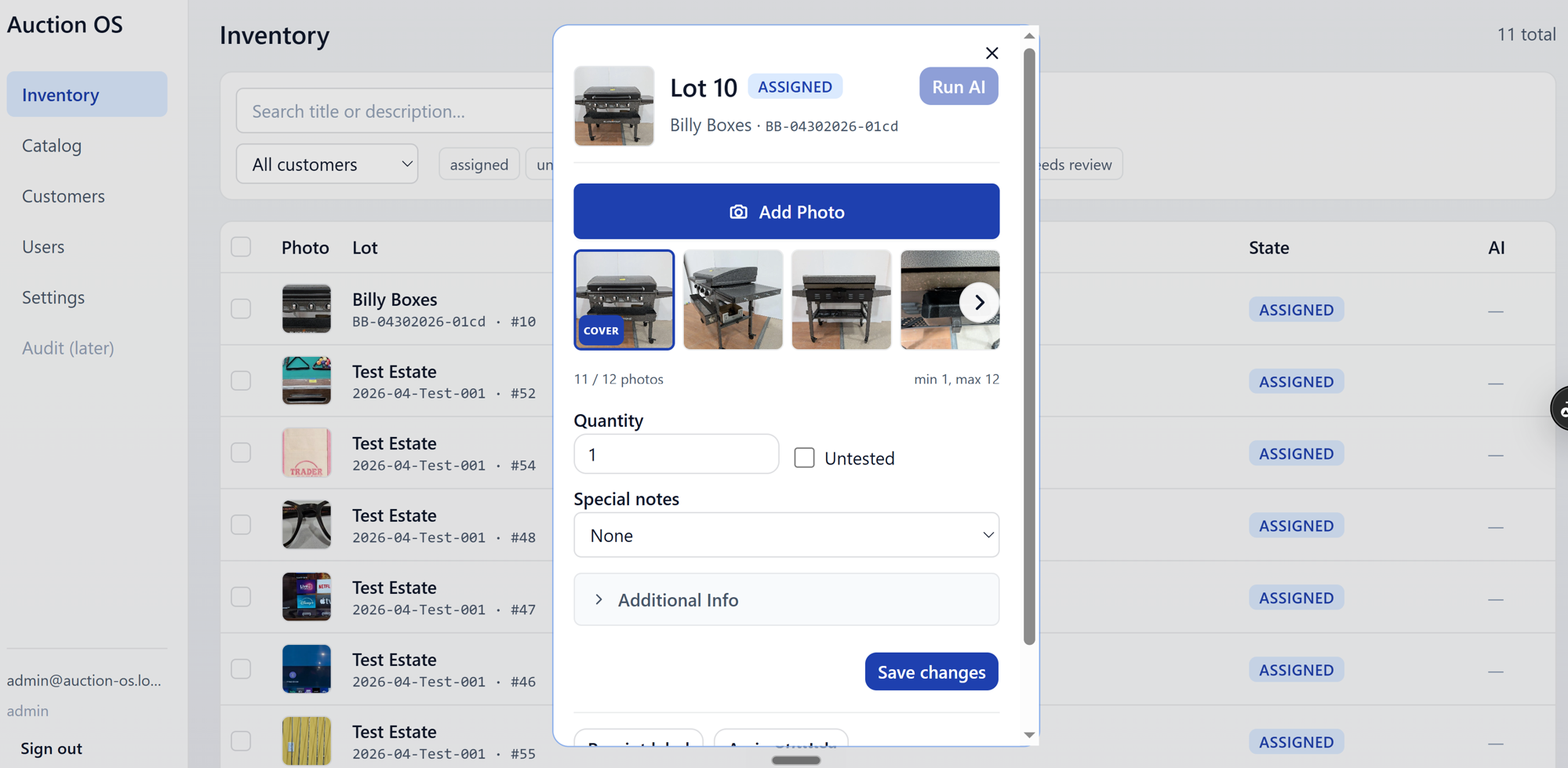
Fields
Always visible:
- Quantity — how many units in the lot
- Untested — checkbox
- Special Notes —
None/TOOL ONLY/READ/CLOTHING(Clothing reveals a Size field)
Inside the Additional Info collapse:
- Title, Description, Price, Ref1, Ref2
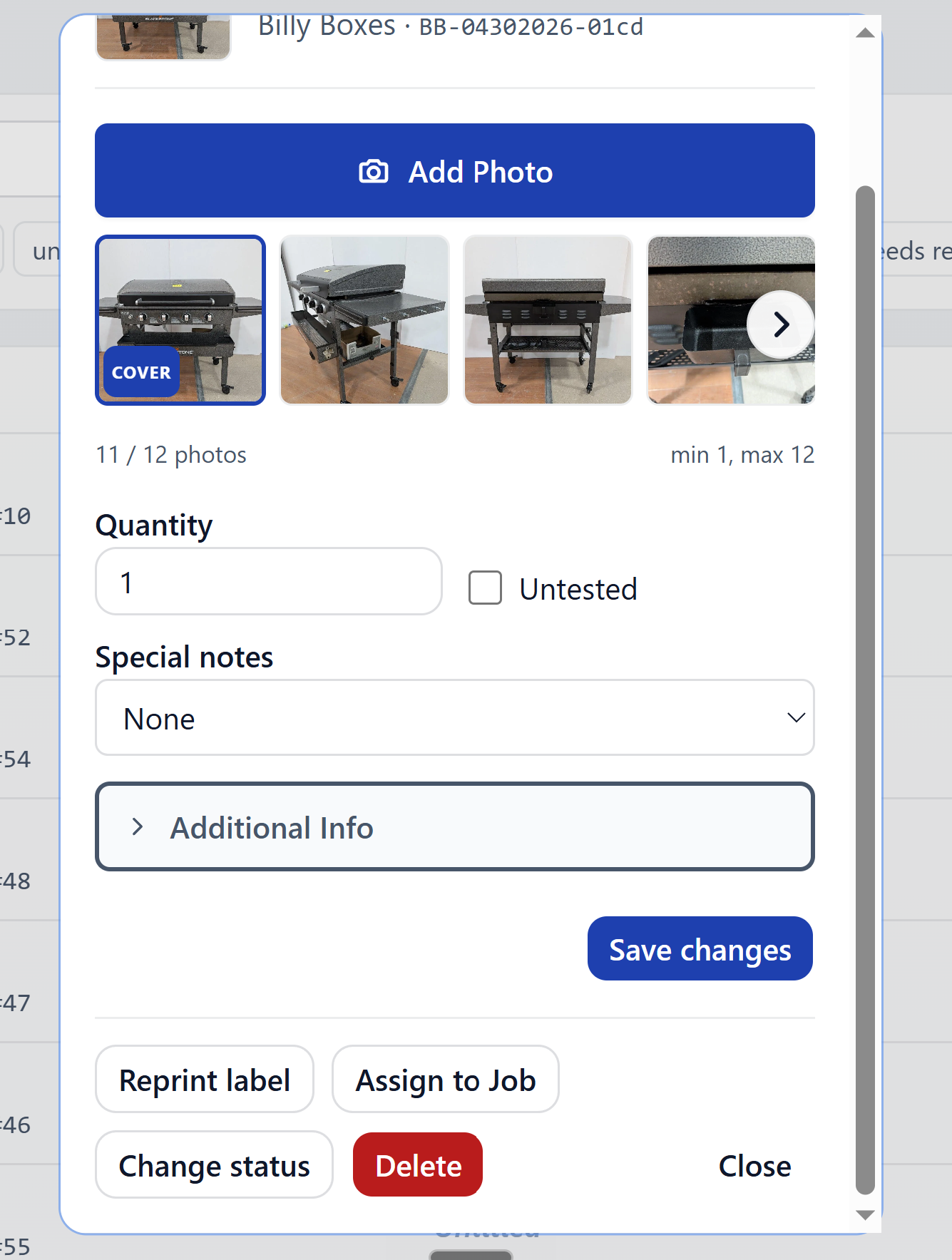
Open the collapse to see and edit those:
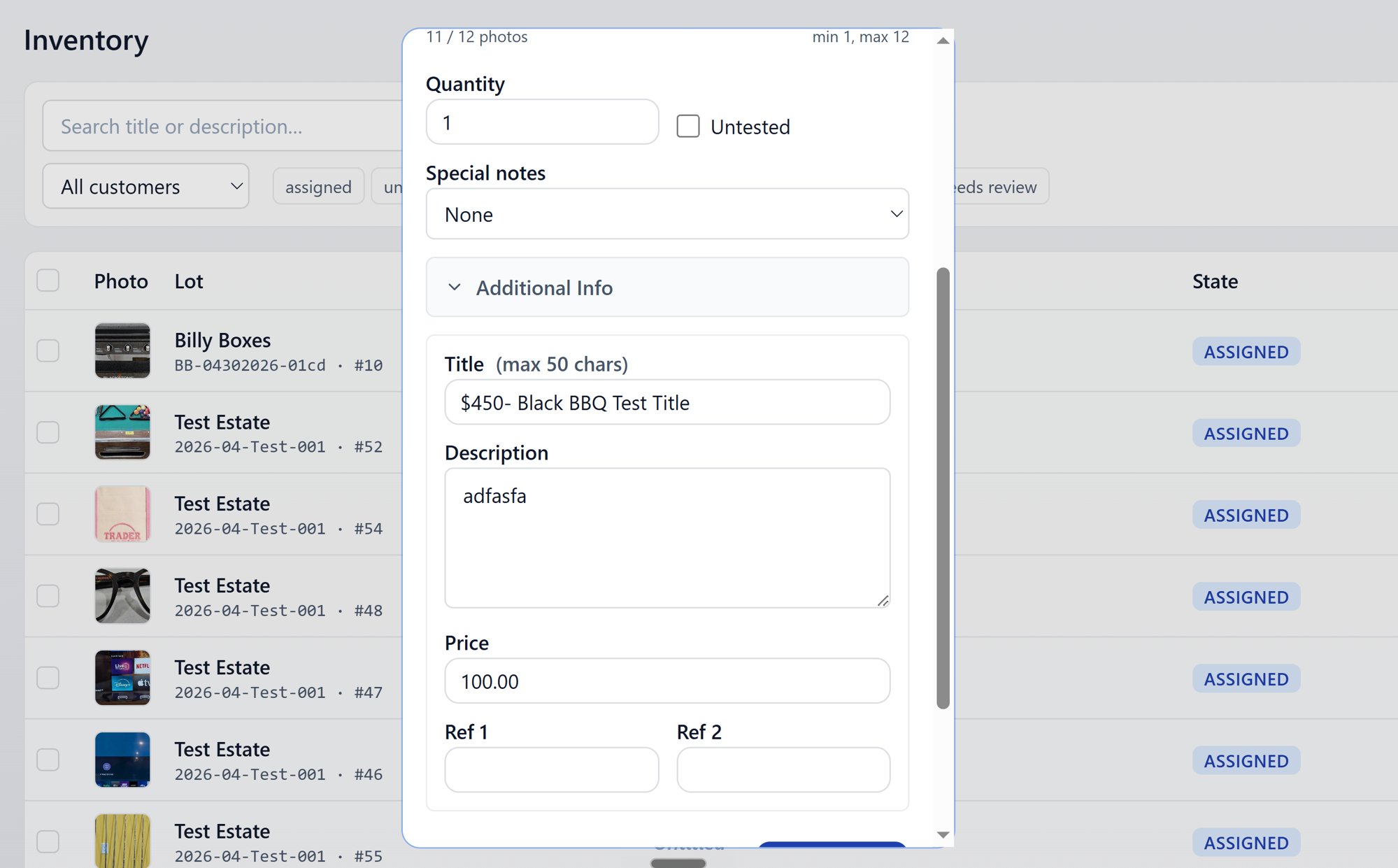
Hit Save Changes to commit. If you try to close the modal with unsaved edits, you'll get a warning:
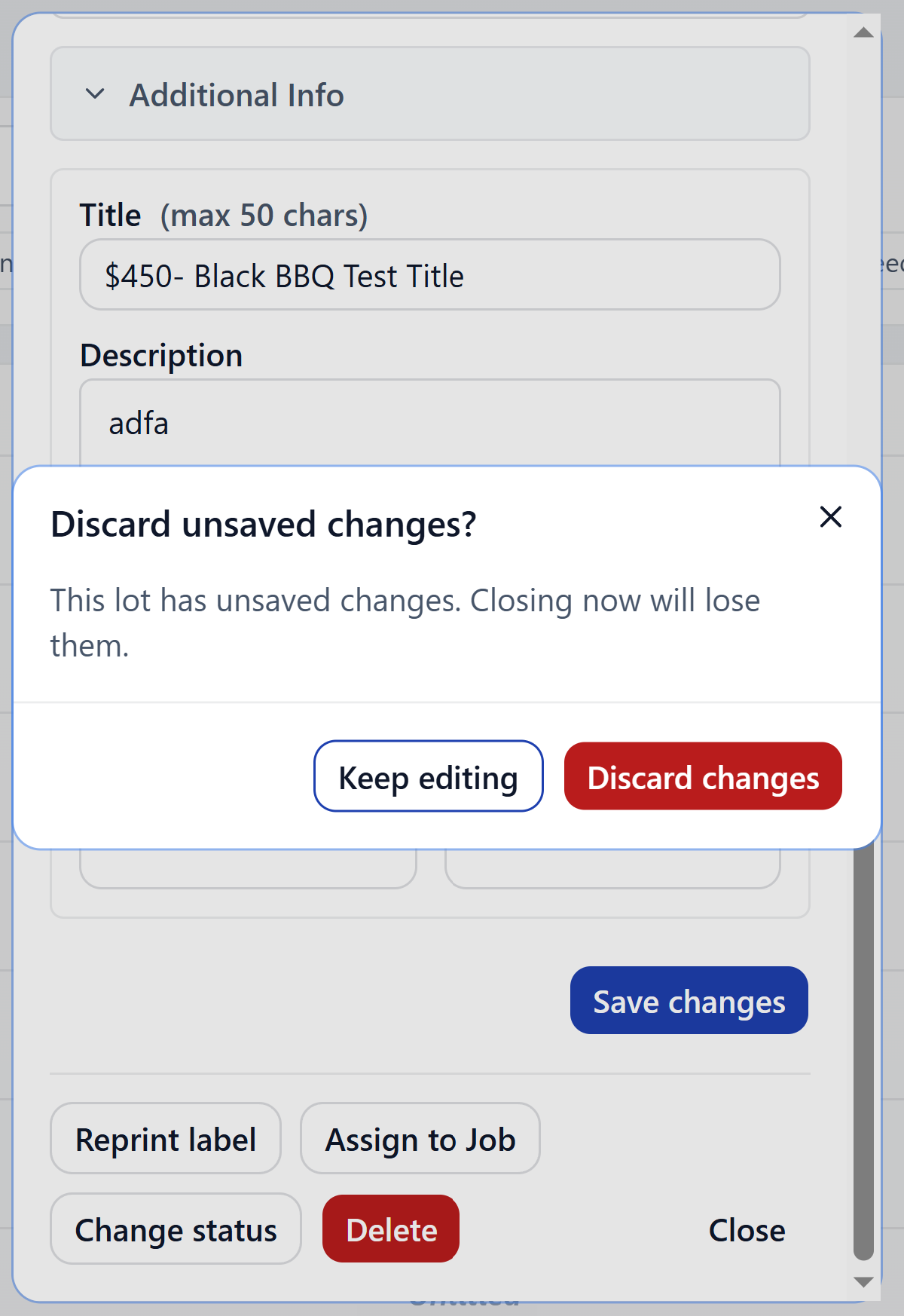
Pick Discard to lose them, or Cancel to go back and save.
Photos
The photo manager lets you add new photos and delete existing ones.
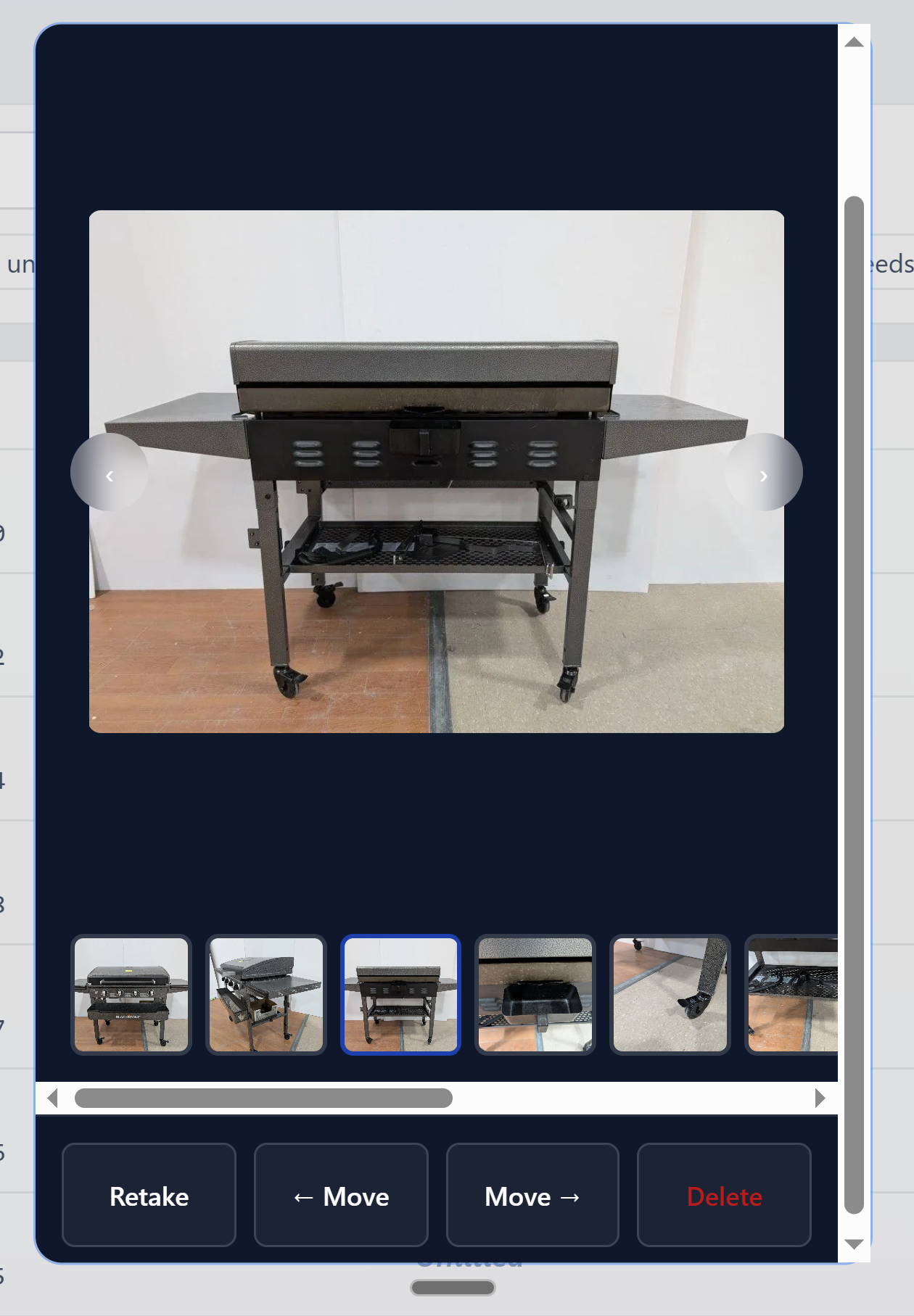
Photos uploaded here go through the same background queue as catalog photos — thumbnails appear once the upload finishes.
Changing state
Admin and Office only. Open the state menu and pick a destination state.
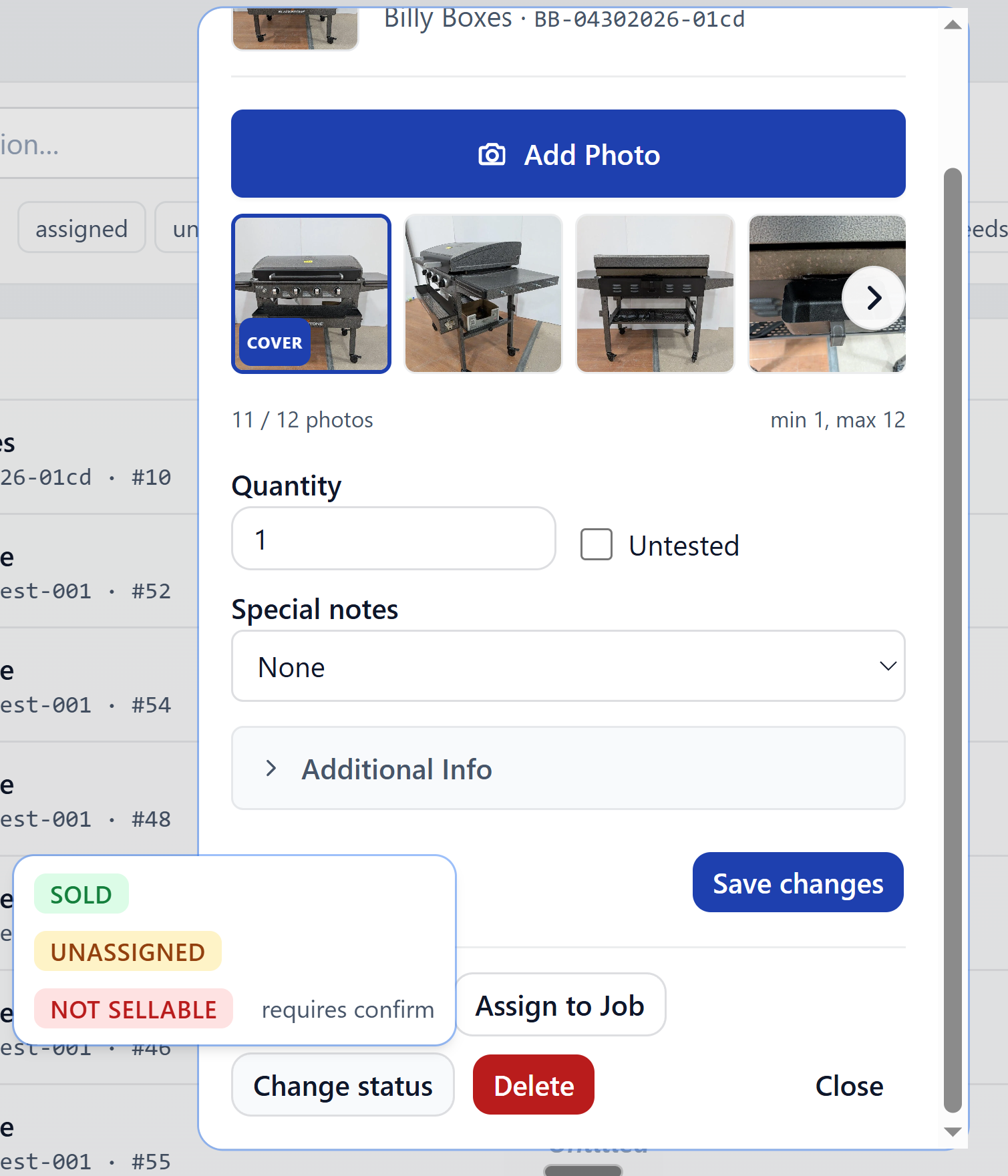
The available transitions depend on where the lot currently is. You
can't push a lot from unassigned directly to sold, for example —
it has to be assigned to a job first (use Move for that).
Move / Assign to Job
Reassign a lot to a different job — or assign it for the first time
if it's unassigned.
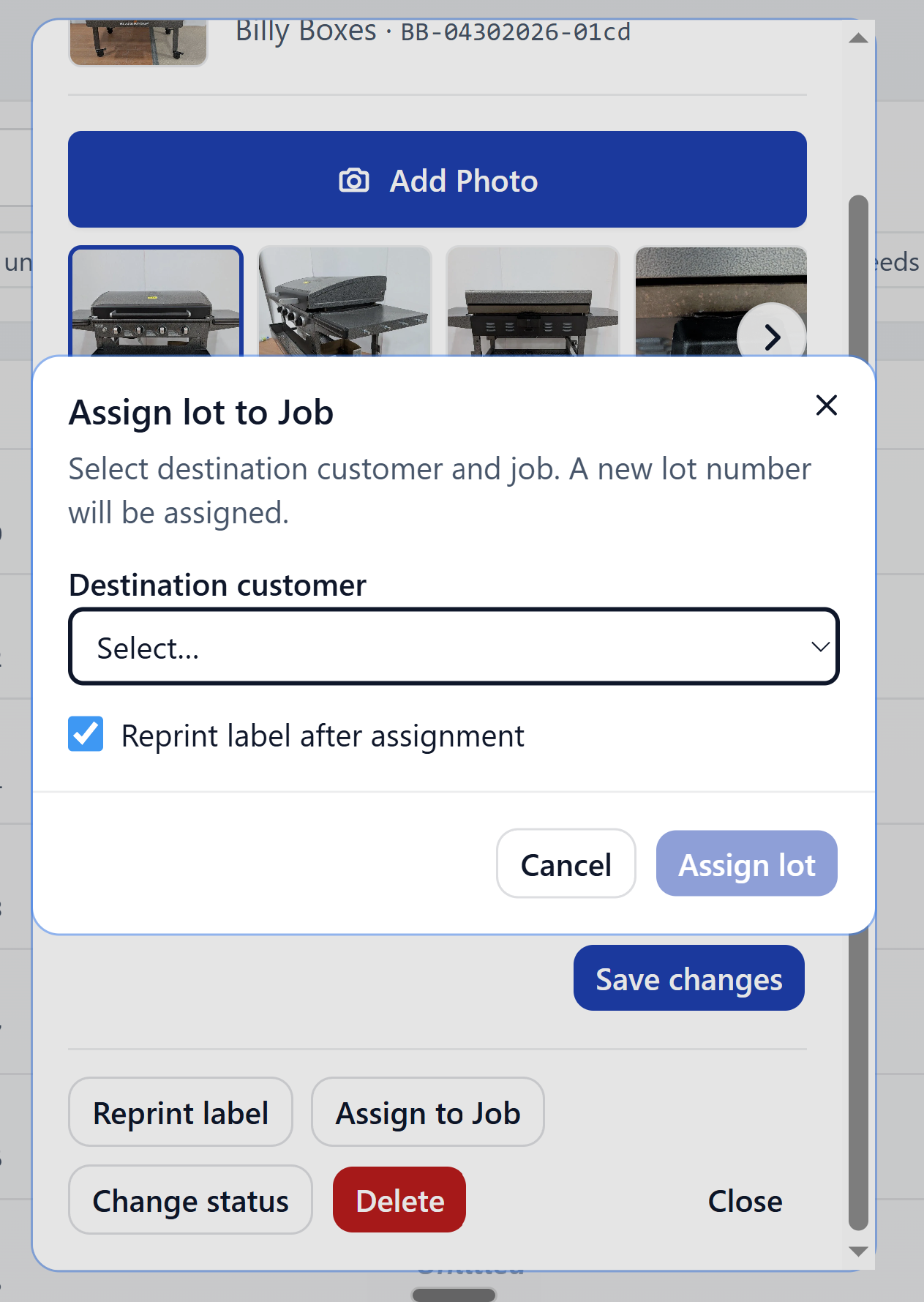
Pick the destination job and confirm. Moving an unassigned lot also
flips its state to assigned automatically.
Delete
Admin only. The button is hidden for everyone else.
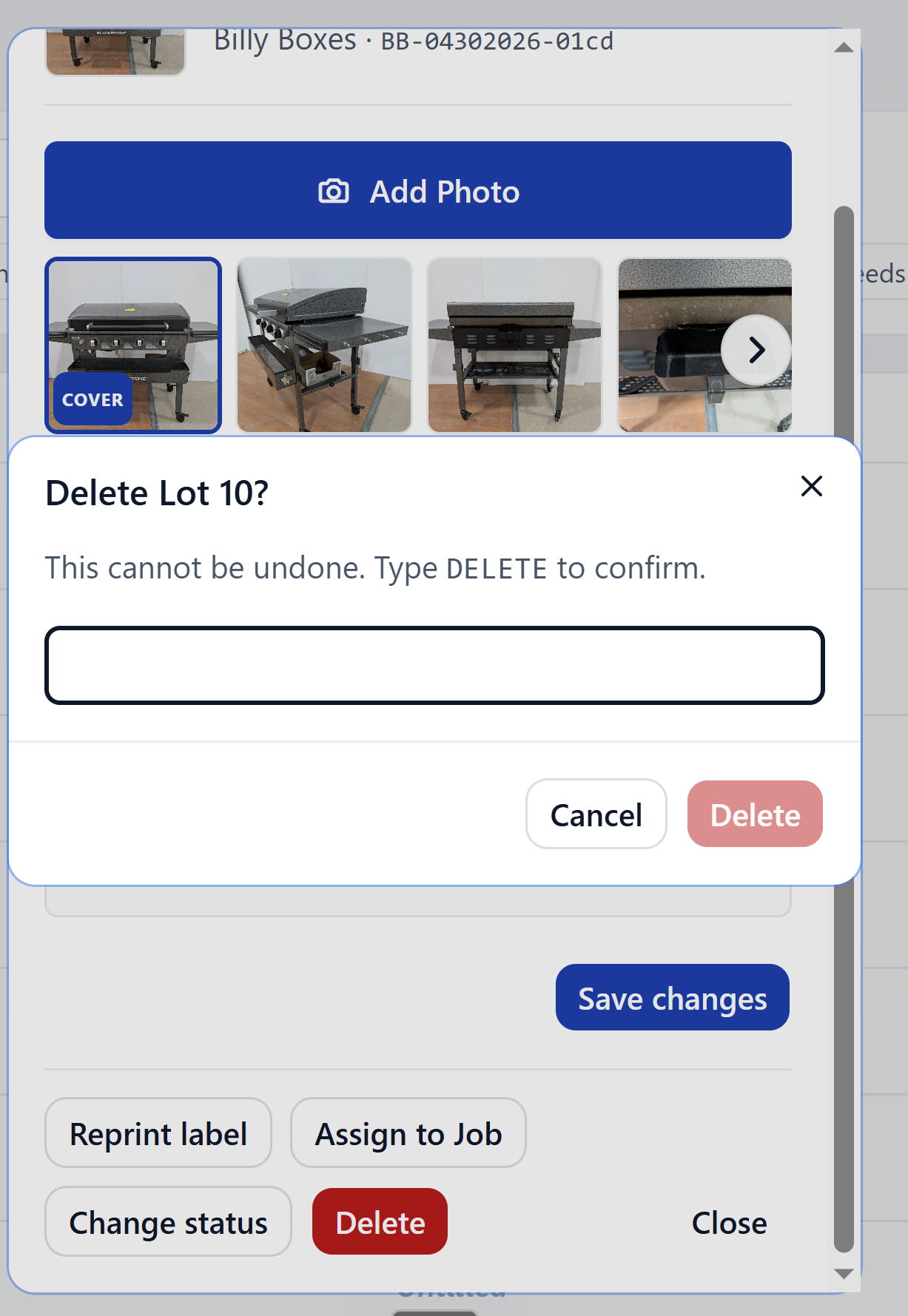
Deletion is permanent — there's no undo from the UI. If a lot has already been exported to AF360, talk to ops before deleting.
AI status
The lot detail surfaces the AI run status as a badge.
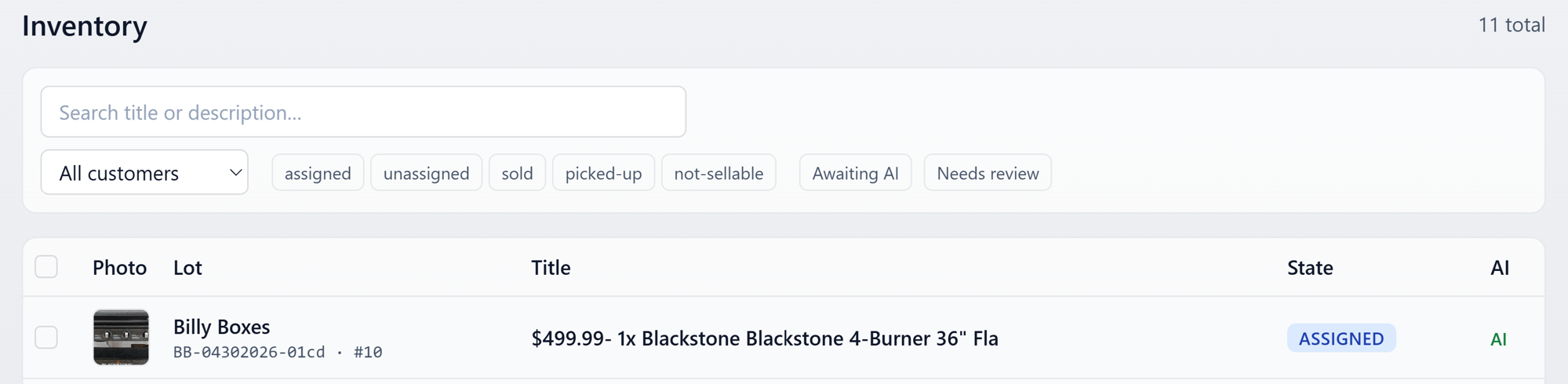
- Running — a generation is in flight
- Success — Title, Description, and Price all generated
- Partial — some fields generated, others skipped or rejected
- Failure — the run errored; hover/tap for details
Run AI now
Available to all roles when AI hasn't already filled the lot's fields.
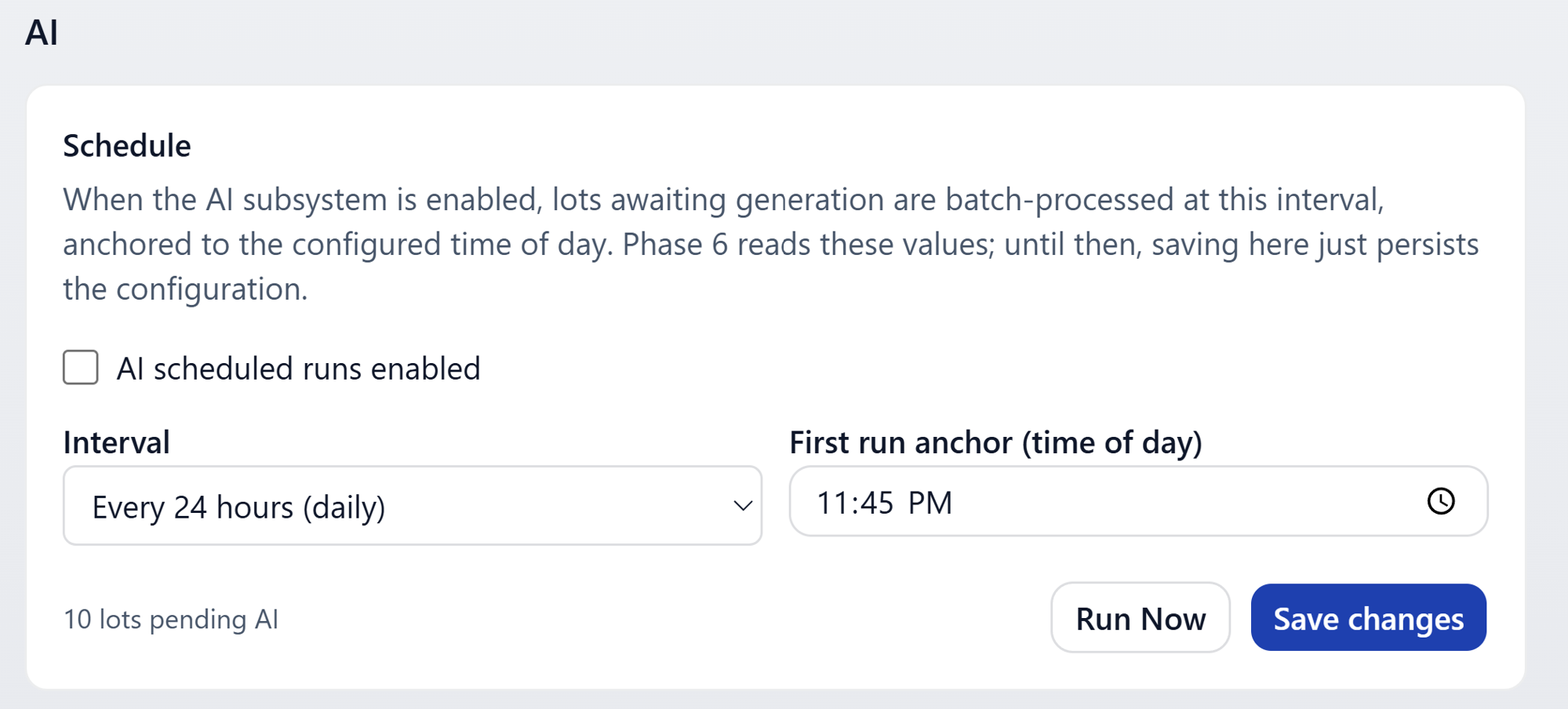
Hit it to kick off a generation immediately. The button disables while the run is in progress, and the badge updates roughly every 5 seconds until the run completes — no need to refresh.
See AI generation for the full picture.